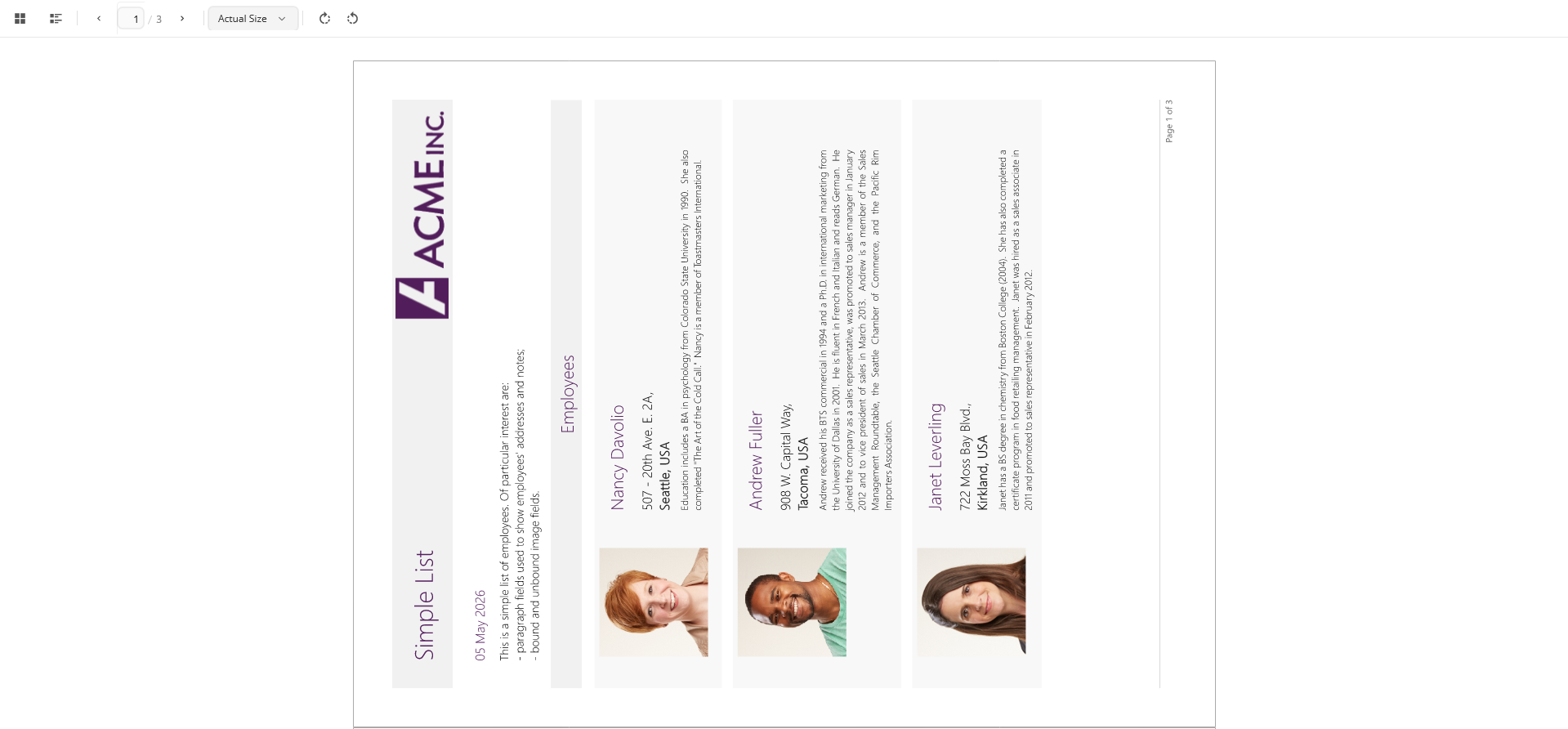
FlexViewer supports rotating document pages at run time or programmatically.
Rotation Modes
Use the RotateView property to control page rotation.
The RotateView property accepts values from the FlexViewerRotateView enumeration.
|
Value |
Description |
|---|---|
|
|
Does not apply rotation to the document view. |
|
|
Rotates the document view 180 degrees. |
|
|
Rotates the document view 90 degrees clockwise. |
|
|
Rotates the document view 90 degrees counterclockwise. |
Rotate Documents at Run Time
Document pages can be rotated from the View menu in the FlexViewer toolbar.
The following rotation operations are supported:
-
Rotate Clockwise
-
Rotate Counterclockwise
Rotation is applied consistently across all pages in the document.
Rotate Documents Programmatically
To rotate document pages programmatically, set the RotateView property.
XAML
| XAML |
コードのコピー
|
|---|---|
<c1:FlexViewer x:Name="flexViewer" Grid.Row="1" Grid.ColumnSpan="2" RotateView="Rotation90Clockwise"/> |
|
C#
| C# |
コードのコピー
|
|---|---|
flexViewer.RotateView = FlexViewerRotateView.Rotation180; |
|