Gauge for WinUI supports end-user interaction capability. Hence, you can drag the pointer on the Gauge control simply using the mouse. This is depicted in the following GIFs.
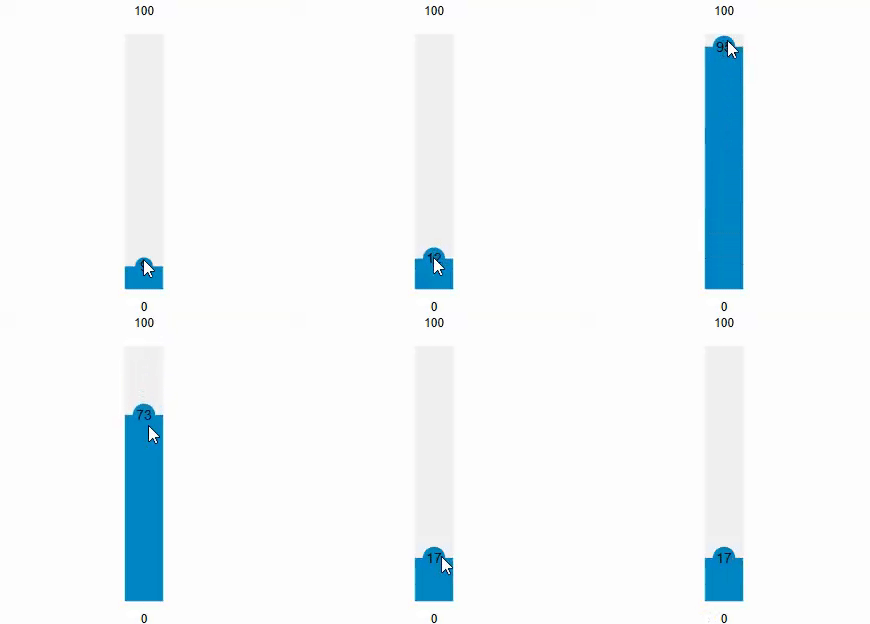
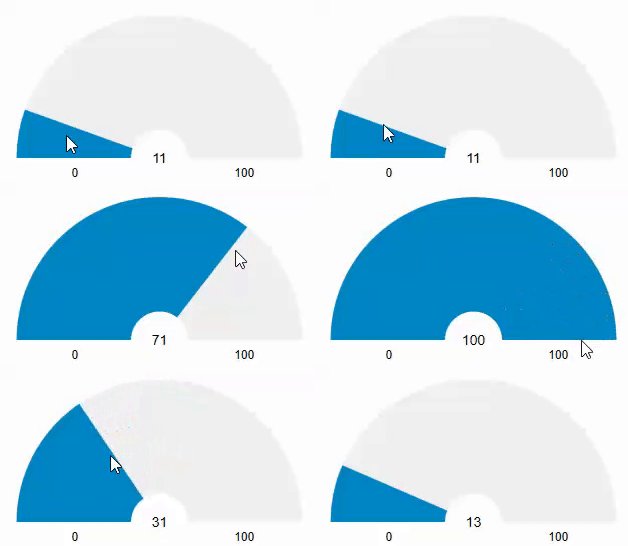
To enable user interaction, you can set the IsEnabled property of the C1Gauge class to true. By default, this property is false.
| XAML |
コードのコピー
|
|---|---|
<c1:C1LinearGauge x:Name="linearGauge" Value="50" TextVisibility="All" IsEnabled="True" ShowRanges="True" Minimum="0" Maximum="100" Direction="Up" Margin="295,94,426,93" /> |
|